Zoom in before you paint
Light-gray strokes almost vanish over sky, snow or bright neon. Zoom into the corner until you can see every letter and the edge of the logo.
This Kling AI watermark remover is built for still images: pictures made with Kling’s image generation, such as Kling IMAGE 3.0, and frames you have already exported as image files. It does not process Kling videos. You paint over the small corner logo, an AI model running in your browser fills the gap, and you download a clean PNG.
JPG, PNG or WebP. Drop, paste or pick a file. It is processed in your browser.
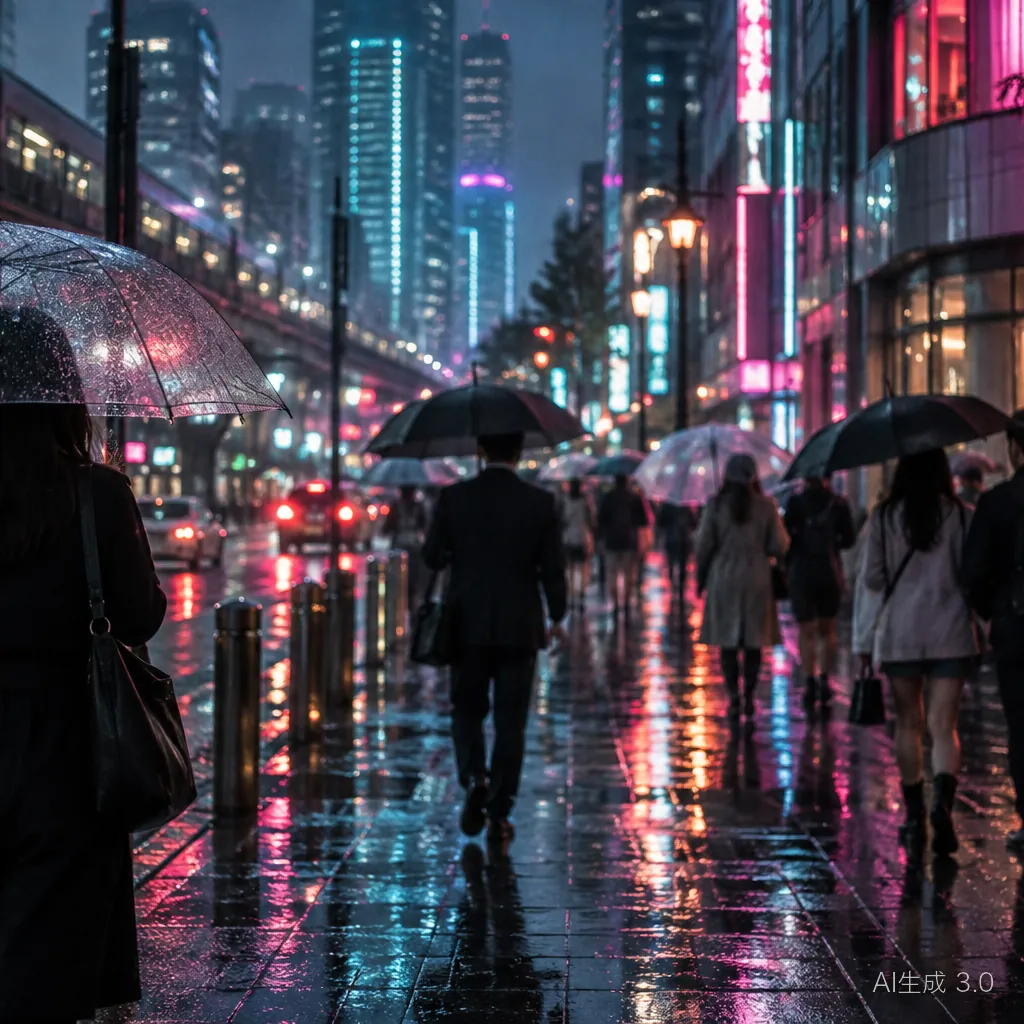
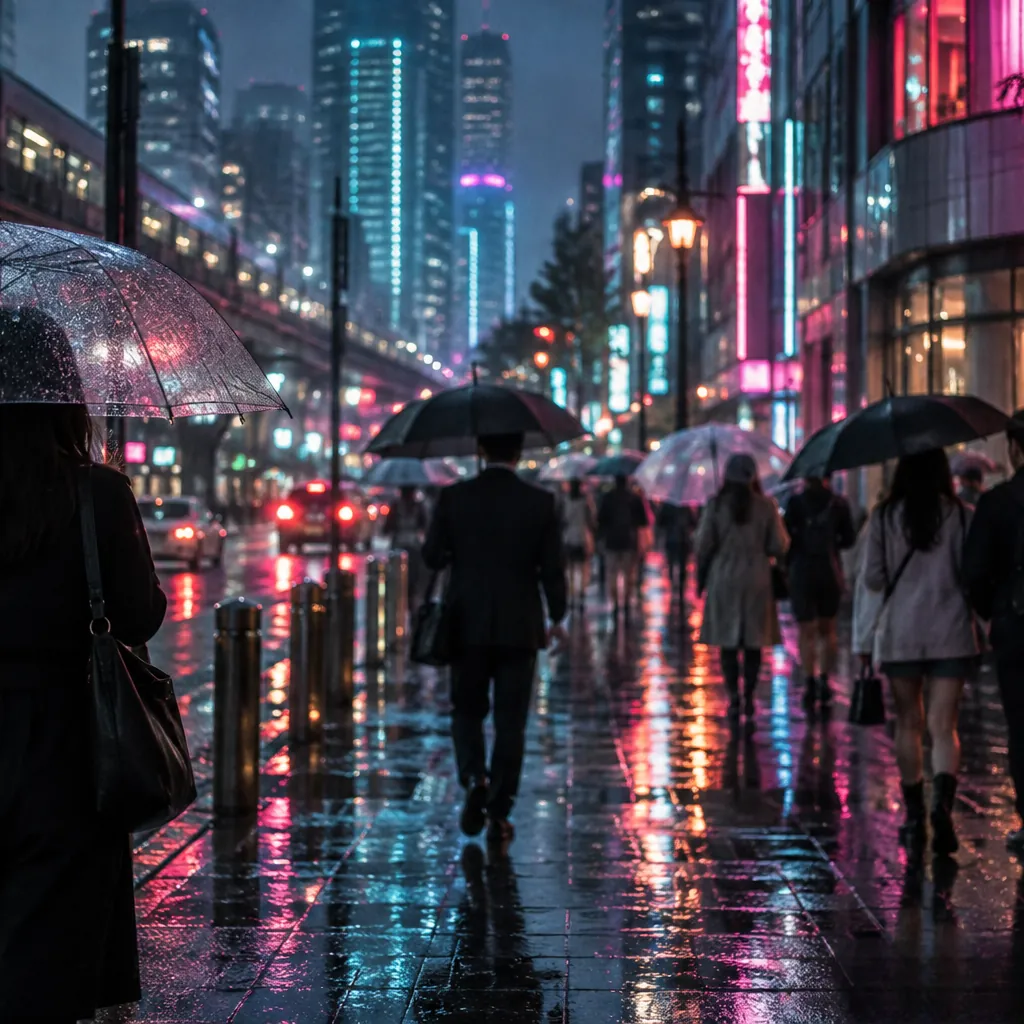
Kling stamps a discreet visible mark on generated images and also writes an AI label into the file itself. The visible part is small and pale, which is why it is easy to overlook and easy to mask badly.
These details come from public detector calibration data and sample images, not from official Kuaishou documentation. Kling may change its mark between versions, so compare against your own file before masking.
Everything happens on this page. The image is decoded and repaired inside your browser, so the file never leaves your device.
Use the Upload button, drag the file in, or paste it straight from the clipboard. JPG, PNG and WebP are supported. For a video, export the frame you need as an image first.
"Auto-mark text" looks for text regions in general, so it may pick up "KlingAI 3.0" but can miss the spiral logo. Zoom into the corner and use the Mark brush to cover both.
The inpainting model (LaMa or MI-GAN) rebuilds the masked area from nearby pixels. The model files download the first time you use the editor and are cached afterwards.
Inspect the corner at full zoom, use undo or redo to compare, then download the result as a PNG.
A pale label sitting on wet reflections and neon glow is a realistic test: the mark is hard to spot, and the background is busy enough to hide a good repair.
The Kling mark is thin rather than large, so most failures come from missing part of it, not from the repair itself.
Light-gray strokes almost vanish over sky, snow or bright neon. Zoom into the corner until you can see every letter and the edge of the logo.
Brush a few pixels past the text and include the spiral logo in the same mask. One slightly larger region repairs more smoothly than several tight slivers.
Paid Kling plans offer a download without the watermark. This is documented mainly for video; it is plausible for images too, but we could not confirm it. If your plan has it, the original pixels stay untouched.
No. This Kling watermark remover handles images only: Kling image generations and still frames saved as JPG, PNG or WebP. Video files are not supported.
Only partly. "Auto-mark text" detects text regions of any kind and is not trained on Kling’s logo. It often marks the text but may skip the spiral icon, so always review the mask and brush in whatever is missing.
It is free and needs no account. Your image is processed locally in the browser and is not uploaded; only the AI model files are fetched once and then cached.
This editor does not try to detect or remove invisible provenance marks. Because the result is a new PNG drawn from the browser canvas, the original file’s metadata (the AIGC label in a PNG text chunk and any C2PA credentials) is not copied into the download. That is a side effect of re-encoding, not a way to erase provenance: watermarks embedded in the pixels are not targeted, the platform keeps its own generation records, and China’s labeling rules also prohibit maliciously removing implicit labels. Keep the original file and disclose AI generation wherever it is required.
China’s 《人工智能生成合成内容标识办法》, in force since 1 September 2025, prohibits maliciously deleting or hiding AI labels (Article 10). Article 9 lets platforms provide unlabeled content when a user requests it, with responsibilities set out in the user agreement. Only edit images you have the right to use, keep AI disclosure wherever the law or a platform requires it, and never present AI-generated images as real photos.
The model has to invent what was under the mark. Rain, bokeh and gradients usually blend in well; sharp text, faces or fine patterns can turn blurry. Switch to Quality mode, tighten the mask, or erase in two smaller passes.
Each platform marks its images differently. Pick the guide that matches where your picture came from.
Upload the picture, mask the corner logo and text, and download the repaired PNG. It all runs in your browser.