Treat each corner as its own job
Auto-mark may catch the large logo and miss the small pill, or the other way round. Zoom into each corner and confirm the mask before you erase.
This Jimeng watermark remover cleans images from ByteDance’s Jimeng (即梦) and its international version, Dreamina. Jimeng pictures usually carry two visible marks, a "★ 即梦AI" logo at the bottom right and a small "AI生成" label at the top left, while Dreamina adds a boxed "AI" badge. You mask each mark, an AI model running in your browser rebuilds the pixels underneath, and you download the repaired copy.
JPG, PNG or WebP. Drop, paste or pick a file. It is processed in your browser.
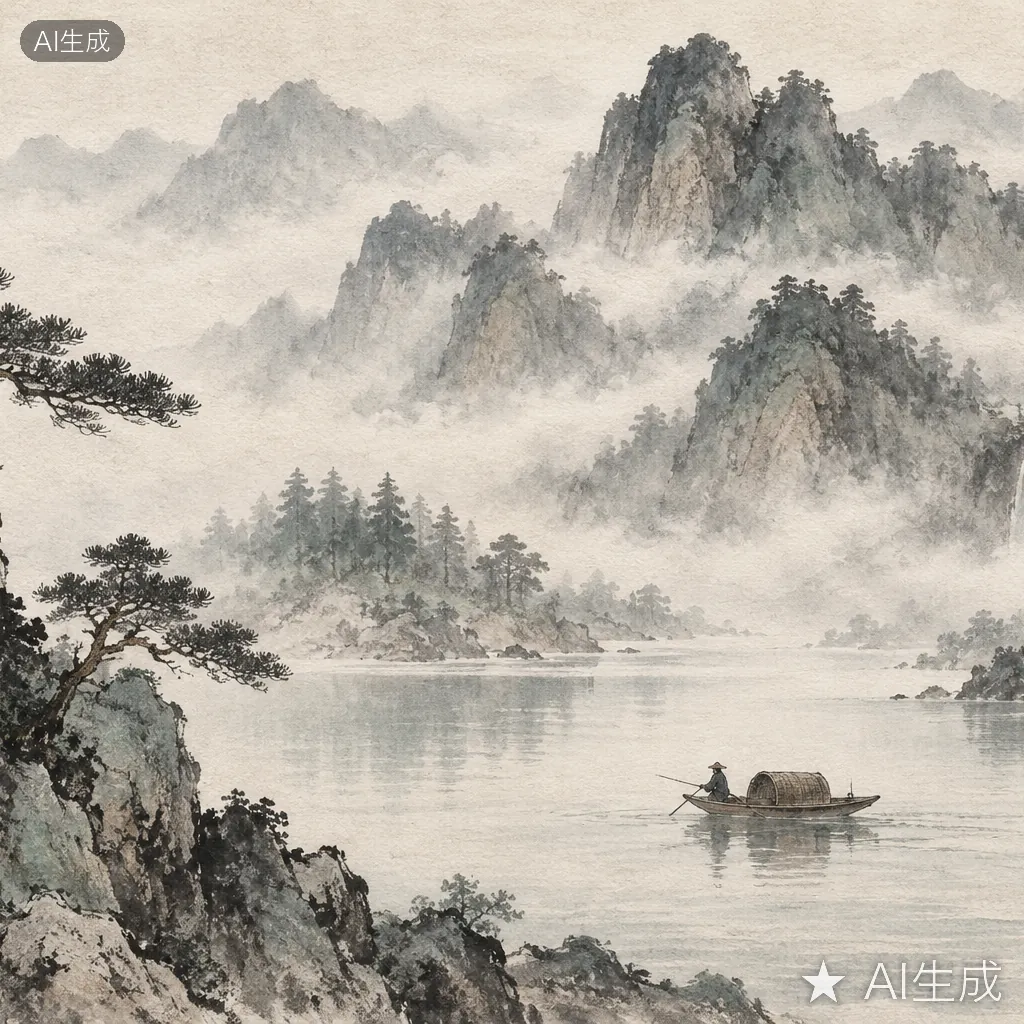
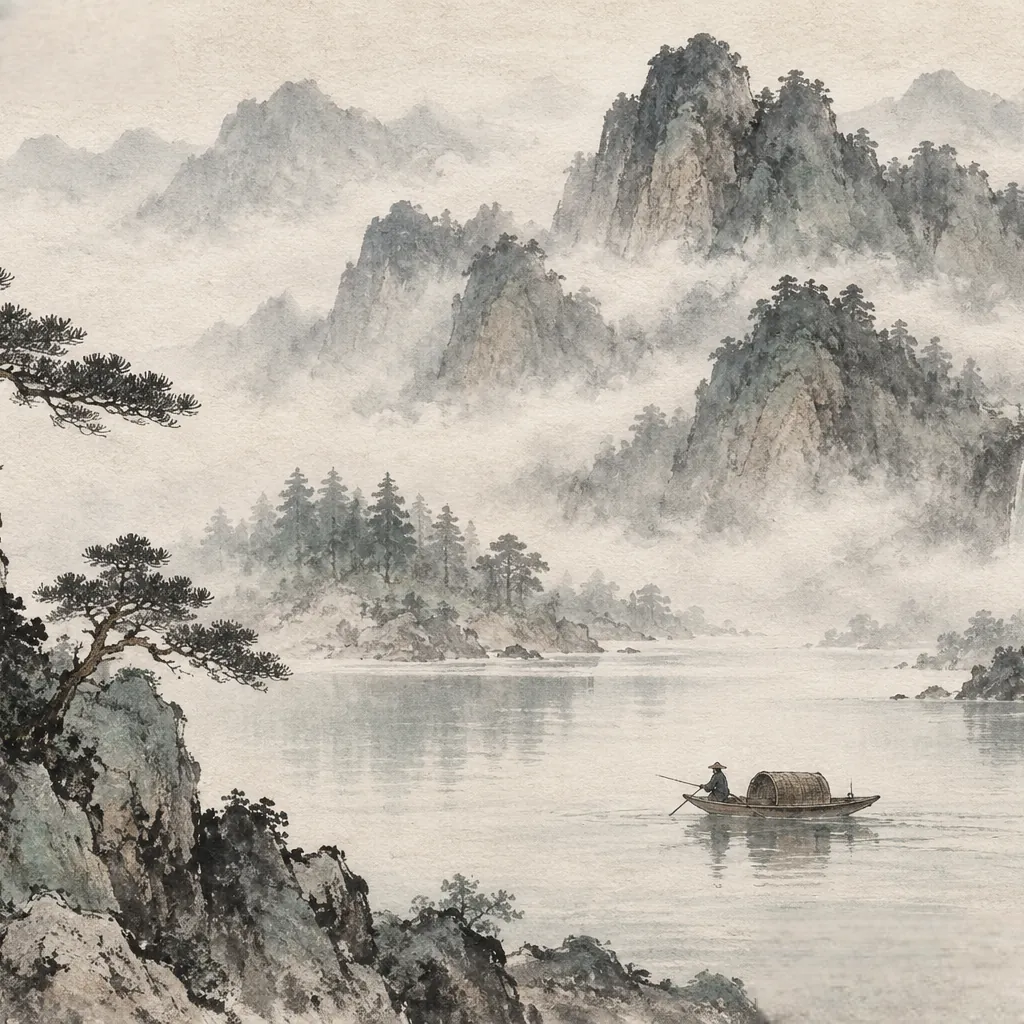
Unlike tools that stamp a single corner, a Jimeng image is marked in two opposite corners. Missing one of them is the most common reason a cleaned picture still looks labeled, so it helps to know exactly what to look for.
Positions and sizes come from public detector calibration data and sample images, not ByteDance documentation. Third-party write-ups say a Jimeng membership drops the brand logo and that an "AI生成水印设置" option can turn off the top-left label; we have not verified this, and the platform can change its marks at any time.
Everything happens on this page. The image is decoded and repaired locally in your browser and is never uploaded to a server.
Use the Upload button, drag the file onto the page, or paste it straight from the clipboard. JPG, PNG and WebP are supported.
Press "Auto-mark text" to highlight text regions, then check the bottom-right logo and the top-left "AI生成" label separately. Use the brush in Mark mode to cover anything left out, and Unmark to trim the mask.
Press Erase. The inpainting model fills every masked area using the surrounding pixels. Zoom in on each corner and repeat with a smaller brush if a trace is still visible.
Save the result as a PNG. Undo and redo let you step back and compare versions before you export.
Ink-wash scenery is a typical Jimeng subject, with soft gradients and mist that inpainting can rebuild well. The demo has marks in both corners to show why each one needs its own mask.
Two marks in two corners means two chances to leave a trace. These habits help.
Auto-mark may catch the large logo and miss the small pill, or the other way round. Zoom into each corner and confirm the mask before you erase.
The bottom-right logo covers a wide strip, so the model has more to invent. Quality mode handles that better than Fast mode, and erasing in two smaller passes often looks more natural.
If your Jimeng or Dreamina account offers a way to export without watermarks, use it. You get the original pixels with no repair at all, and the platform records that you asked for an unlabeled copy.
It has no Jimeng-specific detector. "Auto-mark text" finds text regions in general and often picks up the logo and the "AI生成" label, but you should always check both corners and paint over anything it skipped.
Yes. Mask the boxed "AI" badge in the top-left corner and press Erase. Because the badge is small, a tight brush stroke usually gives the cleanest result.
It is free and needs no account. Your image stays in the browser; only the AI model files are downloaded the first time you use the editor, and they are cached afterwards.
This editor does not try to detect or remove invisible provenance marks. Because the result is a new PNG drawn from the browser canvas, the original file’s metadata (the XMP and EXIF AIGC labels and ByteDance C2PA credentials) is not copied into the download. That is a side effect of re-encoding, not a way to erase provenance: watermarks embedded in the pixels are not targeted, the platform keeps its own generation records, and China’s labeling rules also prohibit maliciously removing implicit labels. Keep the original file and disclose AI generation wherever it is required.
China’s AI content labeling measures, in force since 1 September 2025, prohibit maliciously deleting, altering or hiding AI labels (Article 10). Article 9 lets a platform provide unlabeled content when the user requests it and accepts responsibility in the user agreement, so use the official setting where one exists. Only edit images you have the right to use, keep AI disclosure wherever it is required, and never pass AI content off as real.
No. Jimeng also generates video, but this tool works on still images only. You can clean a single frame exported as an image, not a video file.
Each platform marks its images differently. Pick the guide that matches where your picture came from.
Upload the picture, mask both corner marks and download the repaired PNG. It all runs in your browser.